In this quick post, I’ll show you how to effectivize your test writing with @vue/test-utils. We’ll
create a simple template that you can use for PyCharm to create quick and dirty tests - instantly while creating your
Vue component. This way you won’t have to start from the beginning every time.
Prequisites
- PyCharm installed
- A Vue project with
@vue/test-utilsinstalled
What are PyCharm templates?
A PyCharm file template is exactly what it sounds like - a template for what your new file should
look like. So let’s say that your new files usually have a basic setup, with jest tests
they usually contain some kind of describe statement and a couple of it statements.
Instead of every time start from scratch, these templates can speed up development quite a lot.
How can you create a new PyCharm template?
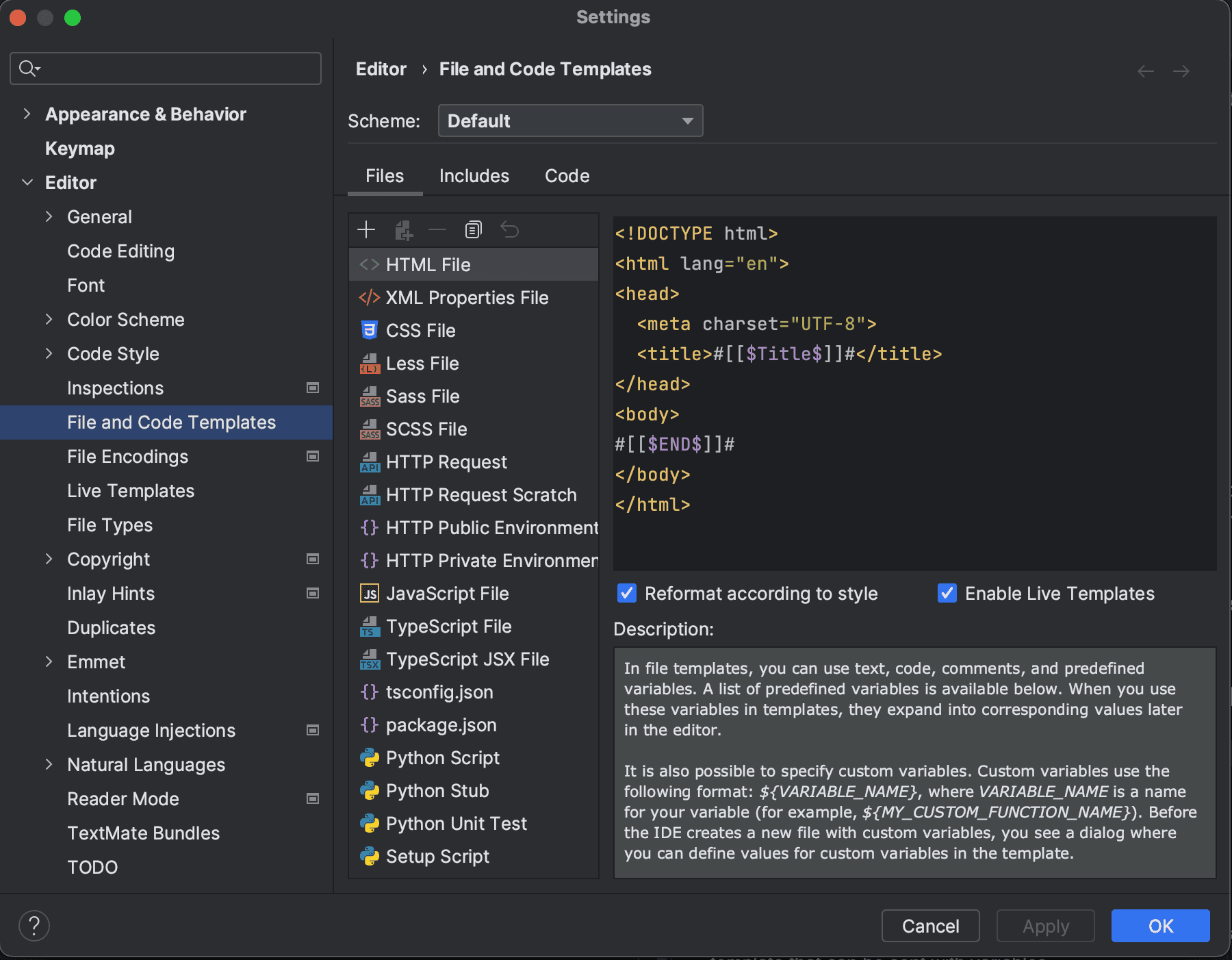
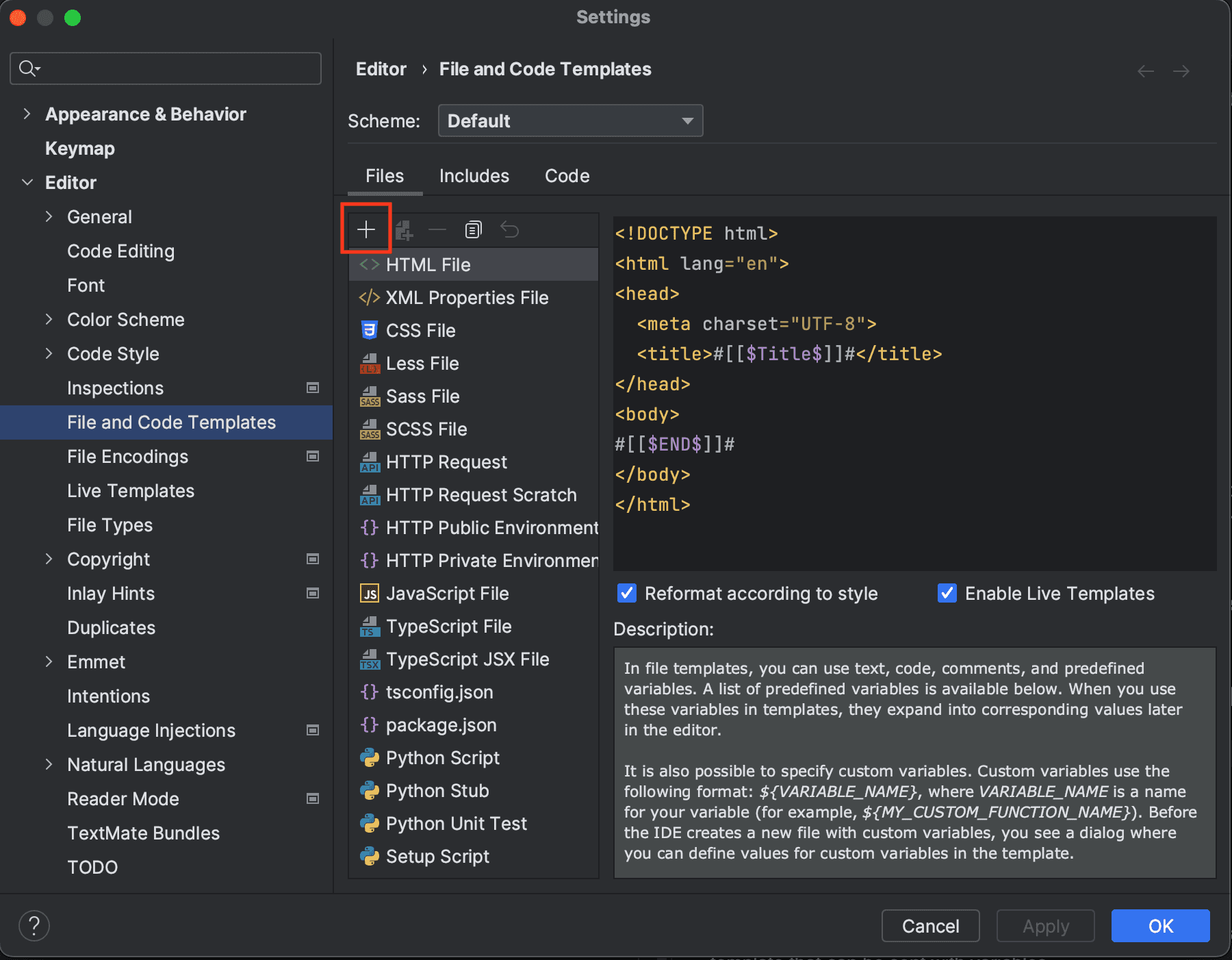
That is quite simple. Open settings or preferences (⌘ Comma on Mac), and head to Editor | File and Code Templates..
In the upper left corner, there’s a + where you can add templates. I usually have spec.js as the file
ending, so you can add that to, or follow your own convention.
And what does the template look like?
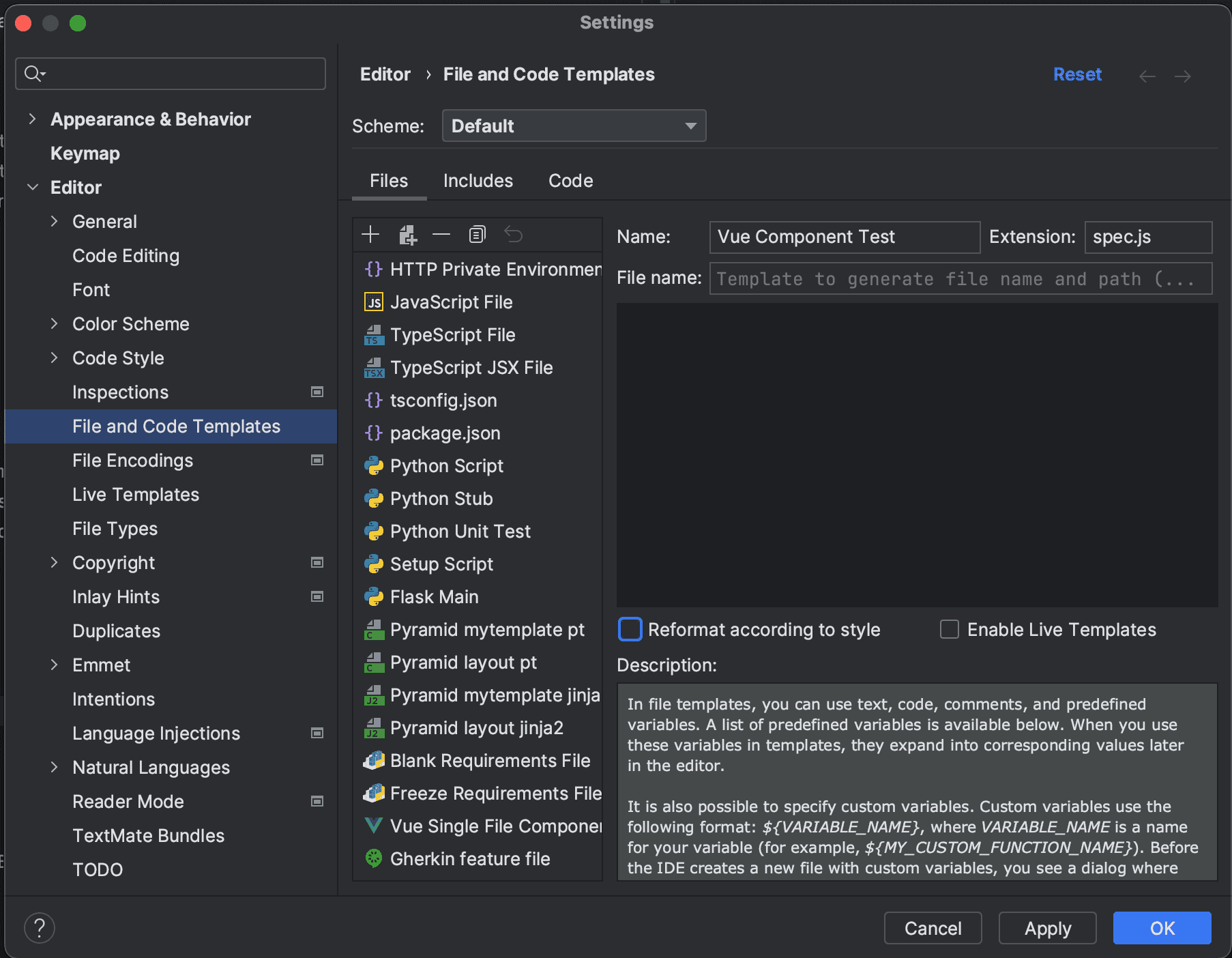
The template is quite barebone. We’ve added Vuetify and Pinia as the basics, but you can
add anything else if there’s something you’re looking for.
import {createLocalVue, mount, shallowMount} from '@vue/test-utils'
import Vuetify from 'vuetify'
import {createTestingPinia} from '@pinia/testing'
import {PiniaVuePlugin} from 'pinia'

describe('${COMPONENT}.vue', () => {
    const localVue = createLocalVue()
    localVue.use(PiniaVuePlugin)

    let vuetify
    let component
    let pinia

    function createComponent(callback) {
        return callback(${COMPONENT}, {
            localVue,
            vuetify,
            pinia
        })
    }

    beforeAll(() => {
        vuetify = new Vuetify()
    })

    describe('Unit', () => {
        beforeEach(() => {
            pinia = createTestingPinia()
            component = createComponent(shallowMount)
        })

        it('should have a unit test', async () => {
            expect(component.vm).toEqual({})
        })
    })

    describe('Integration', () => {
        beforeEach(() => {
            pinia = createTestingPinia()
            component = createComponent(mount)
        })

        it('should have an integration test', async () => {
            expect(component.vm).toEqual({})
        })
    })
})
I’ve decided to go with the practice of creating the component each time inside of a beforeEach. This way
I won’t have to repeat myself and create the component in each test, but the function
handles itself.
$COMPONENT pretty much denotes a variable, which is the Vue component name. Let’s
say I create a component named Button, then when I create this test, I simply insert
Button in both the component and file name inputs.
I named this file template Vue Component Test, but you can name it whatever.
And now this file template can be used with the shortcut ⌘ ⇧ N!
Wrap-up
In this post, we’ve gone through how you can use PyCharm templates to create quick and dirty Vue tests for yourself, improving your development speed further.